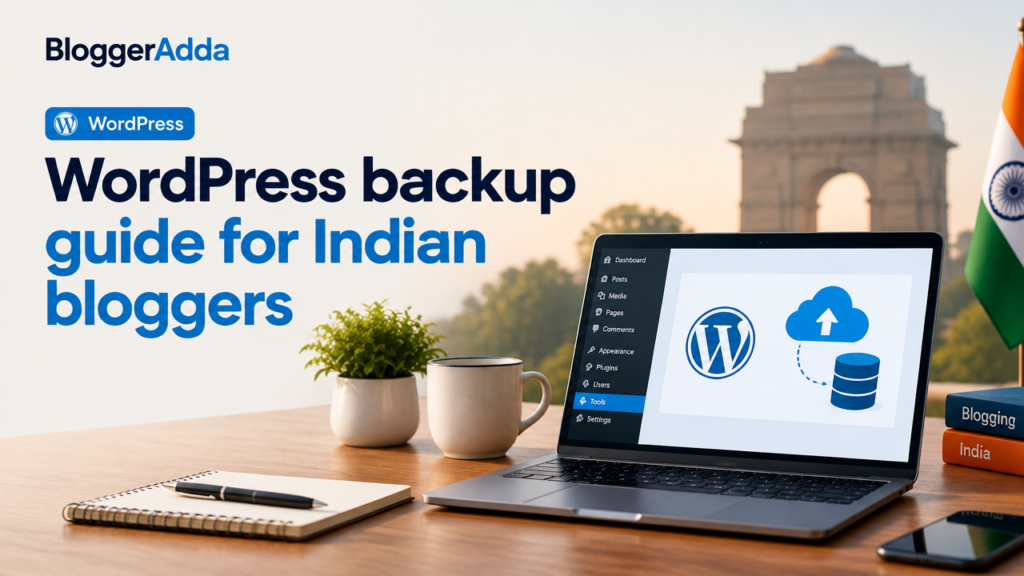
Reduce common WordPress risks with updates, backups, access control, secure hosting and monitoring.
Secure accounts and devices
Use unique passwords, multi-factor authentication where available and trusted devices. Remove old administrator accounts and review user roles.
Keep software updated
Update WordPress core, themes and plugins using backups and a testing process appropriate for the site. Remove unused components.
Use reliable backups
Maintain scheduled off-site backups and periodically verify that files and database can be restored.
Limit attack surface
Use reputable plugins, least-privilege permissions, secure file access and hosting-level protections. Avoid unknown nulled themes or plugins.
Monitor important changes
Watch uptime, login activity, file changes, security alerts and unexpected redirects. Investigate unusual behaviour early.
Prepare a recovery plan
Document hosting access, backups, responsible contacts and steps for isolation, cleanup, password rotation and validation.
Final Takeaway
Use this guide as a practical framework, adapt it to your website and verify important platform or policy details from the official source before making a final decision.

Ashish Pandey
BloggerAdda editorial contributor covering WordPress, blogging, SEO, ecommerce and digital growth.
View all articles →