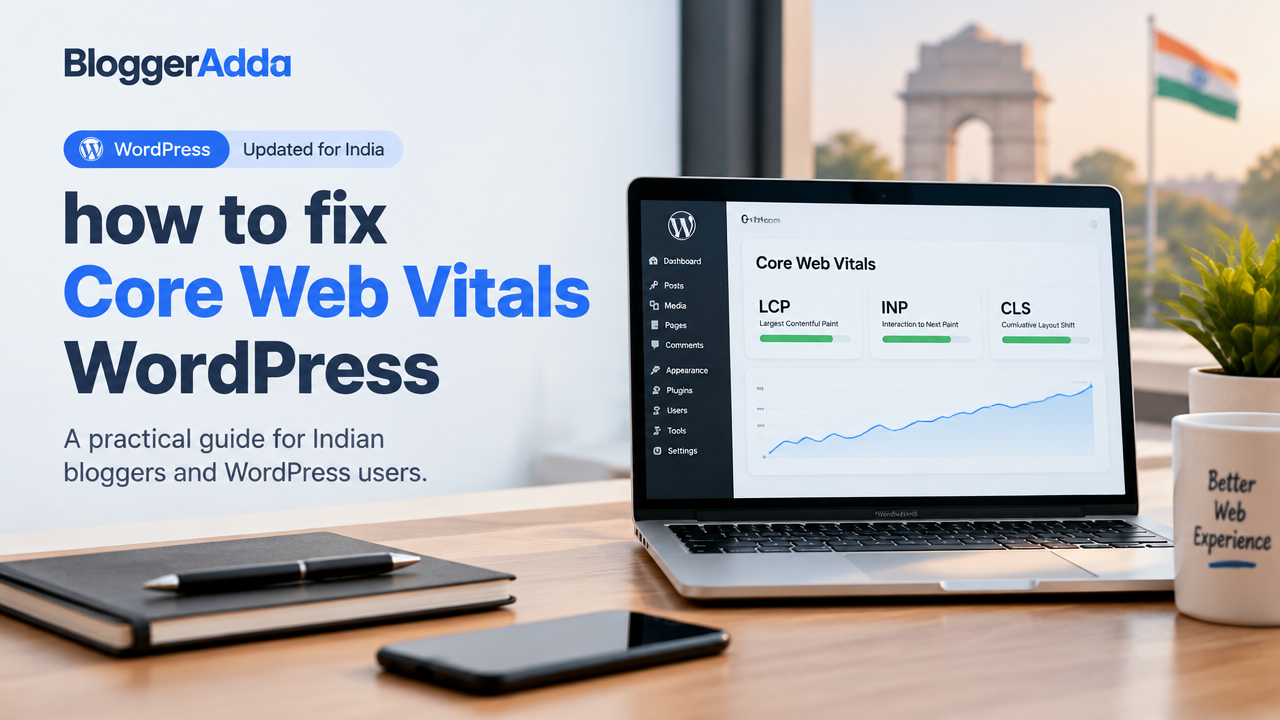
Core Web Vitals (CWV) are a set of real-world metrics from Google measuring user experience: Largest Contentful Paint (LCP), Interaction to Next Paint (INP, replaces FID), and Cumulative Layout Shift (CLS). For Indian bloggers and WordPress site owners, improving these can boost mobile usability and organic performance. This guide shows how to diagnose problems and apply practical fixes on WordPress without breaking your site.
1. Measure First: Tools And What To Look For
Before changing settings, collect data from both lab and field tools:
- Google PageSpeed Insights — field (CrUX) and lab results for LCP, INP, CLS.
- Google Search Console > Core Web Vitals report — site-level field data over time.
- Lighthouse (in Chrome DevTools) for actionable diagnostics.
- Chrome Web Vitals extension, WebPageTest, or GTmetrix for deeper timings.
Test on mobile 3G/4G throttling and real devices—India has varied network conditions, so mobile performance matters most.
2. Fix LCP (Largest Contentful Paint)
LCP is how quickly the main content becomes visible. Typical culprits: slow server, large images, render-blocking resources.
- Improve server response: choose a good host, use PHP 8+, enable object cache (Redis/Memcached) if available, and confirm latest MySQL/MariaDB versions with your host.
- Use a CDN to deliver images and assets. Verify CDN configuration with your provider.
- Optimize the LCP element: compress and resize images, use WebP/AVIF where supported, and serve scaled images for mobile.
- Preload the LCP image or font: add
<link rel="preload" as="image" href="/path/to/lcp.jpg">for that key resource. - Eliminate render-blocking CSS/JS: inline critical CSS for above-the-fold content or use plugins that generate critical CSS safely.
3. Improve INP (Interaction To Next Paint)
INP measures responsiveness. Long tasks, heavy JavaScript, and third-party scripts often cause poor INP.
- Identify long tasks using Chrome DevTools Performance panel.
- Defer non-critical JavaScript and use
asyncfor independent scripts. - Split heavy scripts using code-splitting or remove unused plugins that inject JS on every page.
- Reduce main-thread work: avoid bulky page builders for high-traffic pages; consider server-side rendering where possible.
4. Stop Layout Shifts (Reduce CLS)
CLS happens when visible content moves unexpectedly. Fixing layout shifts is usually straightforward:
- Always include width and height attributes (or CSS aspect-ratio) on images and videos so browsers reserve space.
- Reserve space for embeds, ads, and iframes. Use CSS containers with fixed aspect ratios.
- Avoid inserting content above existing content. If you must show banners, reserve a safe area or use placeholders.
- Use font-display: swap to prevent FOIT (flash of invisible text) which can cause layout jumps.
5. Practical WordPress Steps (Plugins & Theme)
Plugins can help but pick them carefully:
- Use a lightweight theme optimised for speed. If you’re choosing or changing, read our guide: How to Choose a WordPress Theme.
- Caching plugins: configure page caching, browser caching, and object caching where supported. Popular solutions exist, but check compatibility before enabling.
- Image plugins: use plugins that serve WebP/AVIF and generate responsive srcsets. Test lazy-loading for below-the-fold images.
- Use a plugin for critical CSS and defer JS, but test on a staging site first. See our speed-safe approach: How to Improve WordPress Speed Without Breaking Your Website.
6. Checklist Table: Fix Priorities
| Issue | Action | Priority | Tool |
|---|---|---|---|
| Slow server response | Upgrade hosting or enable cache, PHP 8+ | High | Pingdom, Lighthouse |
| Large LCP image | Resize, compress, use WebP, preload | High | PageSpeed Insights |
| Long JS tasks | Defer/async, remove unused plugins | High | Chrome DevTools |
| Layout shifts | Add width/height or aspect-ratio, reserve ad space | Medium | PageSpeed Insights |
| Third-party scripts | Lazy-load or load after interaction | Medium | WebPageTest |
7. Testing And Ongoing Monitoring
After changes, re-test pages in PageSpeed Insights and check Search Console after a few weeks for field data updates. Keep a log of changes so you can rollback if an optimisation breaks layout or functionality.
Schedule monthly checks, especially after plugin/theme updates or major content additions.
Frequently Asked Questions
Conclusion
Improving Core Web Vitals on WordPress is a continuous process: measure, fix high-impact issues first (server, LCP image, heavy JS), test, and monitor. Small, steady improvements—proper image handling, responsible plugins, reserved layout space, and reduced main-thread work—pay off in better mobile UX and possibly improved organic performance. If you need help implementing fixes safely, consider testing on a staging environment and consult plugin/theme documentation or your host support.
Useful next reads: WordPress Plugins and our How to Improve WordPress Speed Without Breaking Your Website guide.
Need help with WordPress or blog growth?
BloggerAdda can help with WordPress setup, SEO, performance and content growth.

Ashish Pandey
BloggerAdda editorial contributor covering WordPress, blogging, SEO, ecommerce and digital growth.
View all articles →