
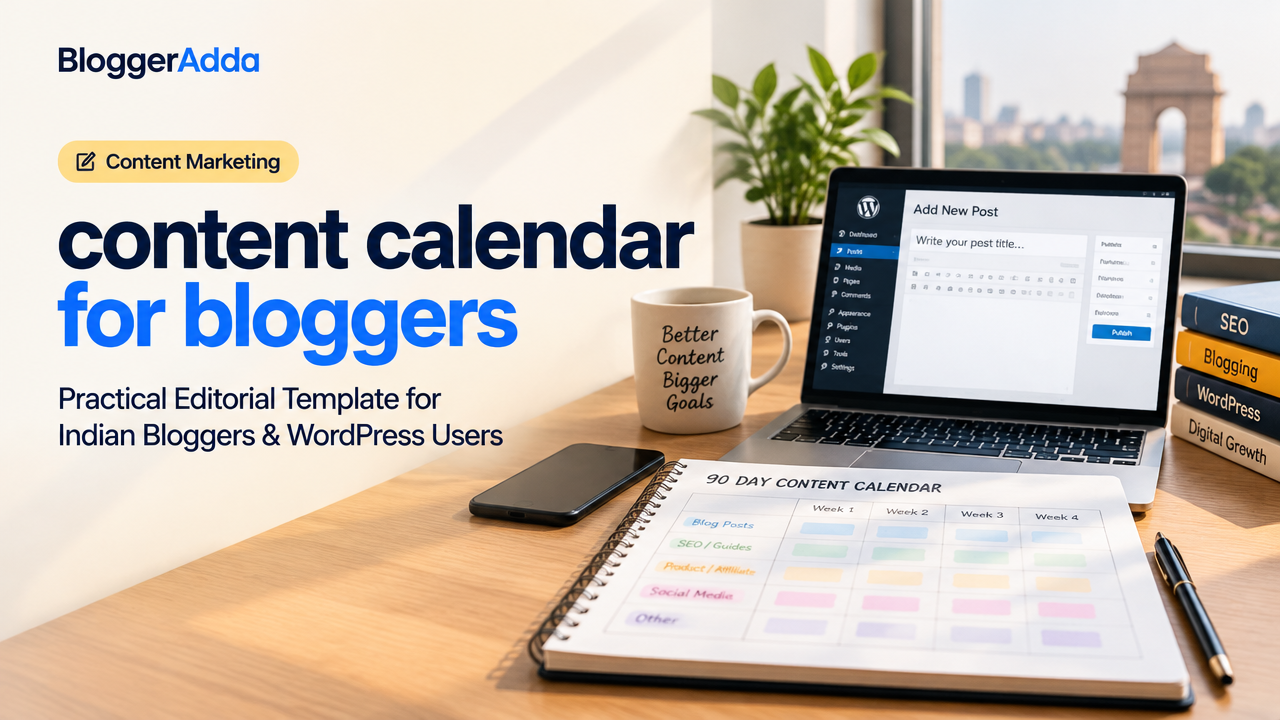
Content Calendar for Bloggers: Practical Editorial Template for Indian Bloggers & WordPress Users
Consistency is the single biggest factor that helps small blogs grow. A clear content calendar for bloggers turns sporadic ideas into a repeatable publishing rhythm — saving time, improving SEO, and helping you meet monetisation goals like AdSense or affiliate income. This guide gives a 90-day plan, an editable template, a publishing checklist and measurable ways to iterate.
Why You Need A Content Calendar
A content calendar does more than schedule posts. It helps you:
- Plan themes and campaigns around events or product launches.
- Maintain SEO focus by scheduling keyword clusters and internal linking.
- Allocate resources—writing, editing, media creation—and reduce last-minute rushes.
- Track performance and improve topics based on real data.
Types Of Calendars & Tools (Pick One That Fits Your Workflow)
Calendars come in three practical flavours:
- Simple Date-Based: A Google Calendar or spreadsheet with post dates and titles — best for solo bloggers.
- Kanban Editorial Board: Trello or Notion boards for idea → writing → editing → publish stages — ideal for a small team.
- Structured Database: Airtable or Notion database with fields for keywords, CTA, status, and analytics — best for scaling and automation.
For WordPress users, consider pairing your editorial calendar with a scheduling plugin or the built-in post schedule. Use Google Calendar for reminders; Trello or Notion for workflow; Airtable for advanced filtering and tracking.
How To Create A 90-Day Content Calendar: Step-by-Step
- Audit current content. Identify top-performing posts and gaps. Keep an eye on Core Web Vitals and on-page SEO issues that need fixing.
- Define objectives. Are you building traffic, improving AdSense RPM, or promoting a product/affiliate link? Objective drives content type and CTA.
- Choose topics from keyword research. Use long-tail keywords and cluster related topics. For guidance, see our guide on How to Do Keyword Research for a New Website.
- Assign content types and frequency. Mix tutorials, listicles, reviews, and evergreen guides. For WordPress and WooCommerce sites, add product pages and update schedules.
- Schedule writing and publishing dates. Block time for writing, editing, image creation, and SEO checks.
- Track and review monthly. After each month, check analytics and tweak the next 30 days.
Weekly Editorial Workflow (Practical Routine)
Example weekly routine for a solo Indian blogger or micro team:
- Monday: Editorial meeting (15–30 mins) — pick priorities and assign tasks.
- Tuesday–Thursday: Content creation — drafting, internal linking, and on-page SEO optimisations. Refer to our On Page SEO checklist for WordPress-specific steps.
- Friday: Editing, images, accessibility checks, and scheduling in WordPress.
- Weekend: Social promotion queue, email newsletter drafts, and repurposing plans.
Content Calendar Template (Editable Table)
Use this table as a start — copy it into a Google Sheet, Airtable or Notion. Adjust columns to match your workflow.
| Publish Date | Title / Headline | Keyword / Intent | Format | Owner | Status | Promotion |
|---|---|---|---|---|---|---|
| 2026-11-05 | How To Speed Up WordPress Without Breaking Your Site | WordPress speed optimisation (informational) | Tutorial | Author A | Draft | Twitter, Newsletter |
| 2026-11-12 | Affordable Hosting Options For New Bloggers In India | hosting for bloggers India (commercial) | Comparison | Author B | Planned | Facebook, Pinterest |
Publishing Checklist (Before You Hit Publish)
Short checklist to avoid common mistakes:
- Title: Includes target keyword and matches search intent.
- Slug: Short and readable (no stop words).
- On-page SEO: H1, H2s, meta title & meta description filled.
- Images: Optimised file names, alt text and compressed for Core Web Vitals.
- Internal links: Link to relevant cornerstone posts and recent articles.
- Schema: Add article schema if applicable (via plugin).
- Social: Add Open Graph and Twitter Card metadata, schedule posts.
- Monetisation checks: Ad placements, affiliate disclosures and compliance.
How To Measure Success And Iterate
Key metrics to track monthly:
- Organic sessions for newly published posts (Google Analytics).
- Top queries and impressions (Google Search Console).
- Average time on page and bounce rate to assess engagement.
- AdSense RPM or affiliate conversions if monetised — monitor for trends.
Use your monthly review to change topic mix, adjust keyword focus, and fix technical issues. If a post performs well, plan follow-ups and internal linking to amplify it.
Tips For Indian Bloggers And WordPress Users
- Localise content where relevant — include examples, pricing context and payment methods commonly used in India.
- Batch work: Write multiple posts in one sitting to reduce friction and maintain tone consistency.
- Repurpose long posts into short videos, carousels or newsletter snippets to increase reach.
- Combine evergreen posts with timely content around festivals, sales, or national events.
Resources & Next Steps
Templates and deeper guides you might find useful:
- How to Do Keyword Research for a New Website
- AI for Bloggers: Responsible Workflow — helpful for drafting and ideation.
- On Page SEO for WordPress: Complete Checklist
- How to Build a Website Content Strategy That Generates Leads
Frequently Asked Questions
Conclusion
Creating a content calendar for bloggers is a practical investment: it saves time, improves SEO outcomes and makes growth repeatable. Start small with a 90-day plan, use simple tools like Google Sheets or Trello, and iterate monthly based on analytics. Over time you’ll reduce guesswork, publish more consistently, and build a usable content asset that supports traffic, revenue and audience trust.
Need help with WordPress or blog growth?
BloggerAdda can help with WordPress setup, SEO, performance and content growth.

Ashish Pandey
BloggerAdda editorial contributor covering WordPress, blogging, SEO, ecommerce and digital growth.
View all articles →